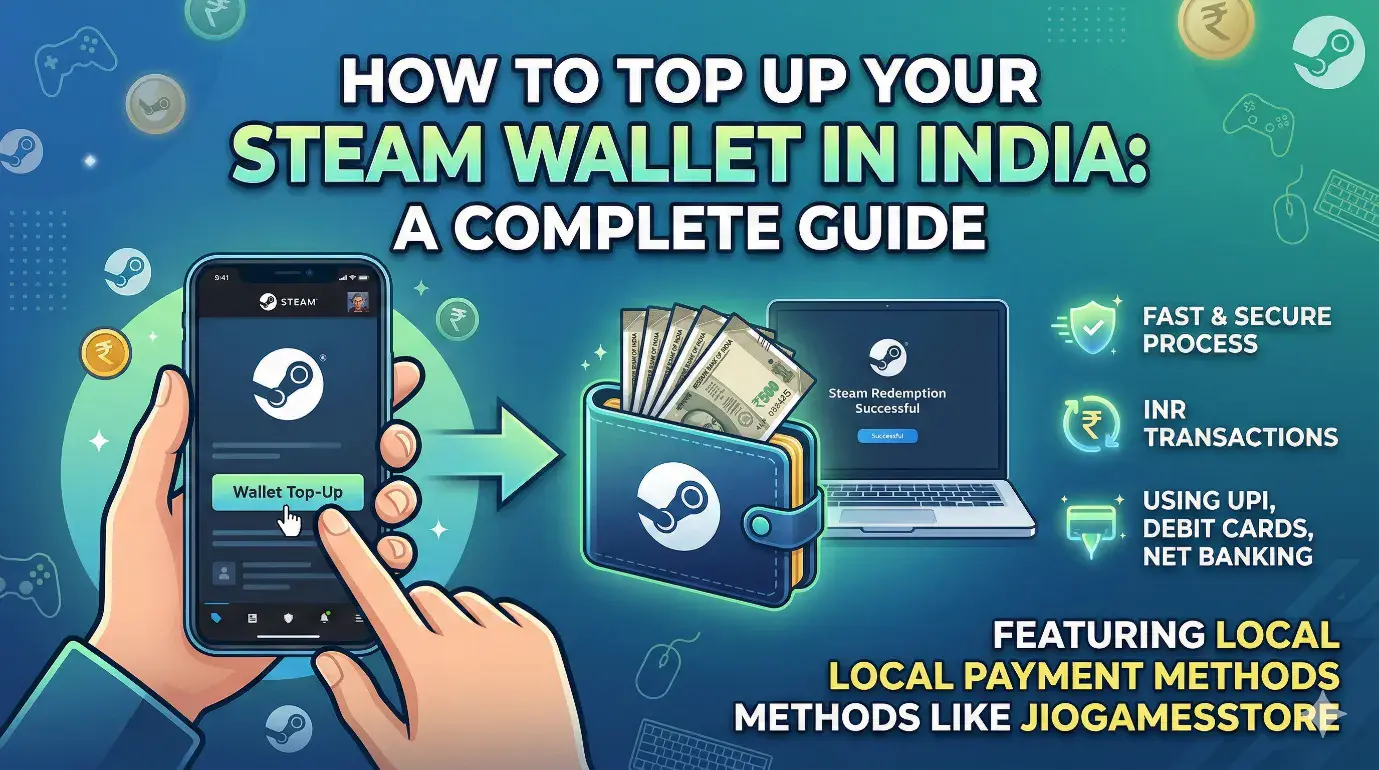
How to Top Up Your Steam Wallet in India: A Complete Guide
By Shreyas Kumar.March 16, 2026.
Whether you're eyeing the latest AAA title or waiting for the next big Steam Sale, having a loaded Steam Wallet is essential for any Indian gamer. If you’ve recently picked up a gift card or an online code, you might be wondering exactly how to get those funds into your account.
Redeeming your Steam Wallet top-up in India is a quick and secure process. Here is everything you need to know to get started.
Step-by-Step: How to Redeem Your Code
To activate your funds, you don’t need any complex workarounds. Just follow these simple steps on the official Steam platform:
- Log In: Open the Steam client or visit the official website and sign into your account.
- Navigate to Account Details: Click on your profile name in the top-right corner and select “Account Details.”
- Add Funds: Look for the section labelled “Steam Wallet” and click on “Add funds to your Steam Wallet.”
- Redeem Code: Select the option that says “Redeem a Steam Gift Card or Wallet Code.”
- Enter Your Code: Carefully type your unique Steam Wallet code into the field and click confirm.
Once processed, the balance will be instantly added to your account in Indian Rupees (INR).
The Best Way to Buy Steam Wallet Codes in India
While Steam supports several payment methods, many Indian gamers prefer using local platforms to avoid international transaction issues.
Platforms like JioGamesStore have made the process incredibly seamless. By purchasing your Steam Wallet code through trusted sellers like JioGames, you can use local payment methods like UPI, Net Banking, or Indian debit cards.
Why choose this method?
- Rupee Transactions: No need to worry about currency conversion or hidden forex fees.
- Instant Delivery: Receive your code digitally so you can get back to gaming immediately.
- Reliability: Using authorized sellers ensures your code is authentic and valid for the Indian region.
Troubleshooting Common Issues
Is your Steam balance not showing up, or is your code giving you an error? Don’t panic—here are a few things to check:
- Region Locks: Ensure the code you purchased is valid for use in India. Steam codes are often region-restricted.
- Typo Check: It’s easy to mistake an 'O' for a '0' or an 'I' for a '1'. Double-check every character.
- Official Channels: Always ensure you are entering your code through the official Steam website or app. Avoid third-party sites that claim to "activate" codes for you.
Final Thoughts
Yes, using a Steam Wallet in India is easier than ever! By sticking to authentic codes from authorized partners like JioGames and following the official redemption path, you can keep your library growing without any hassle.
Happy gaming!