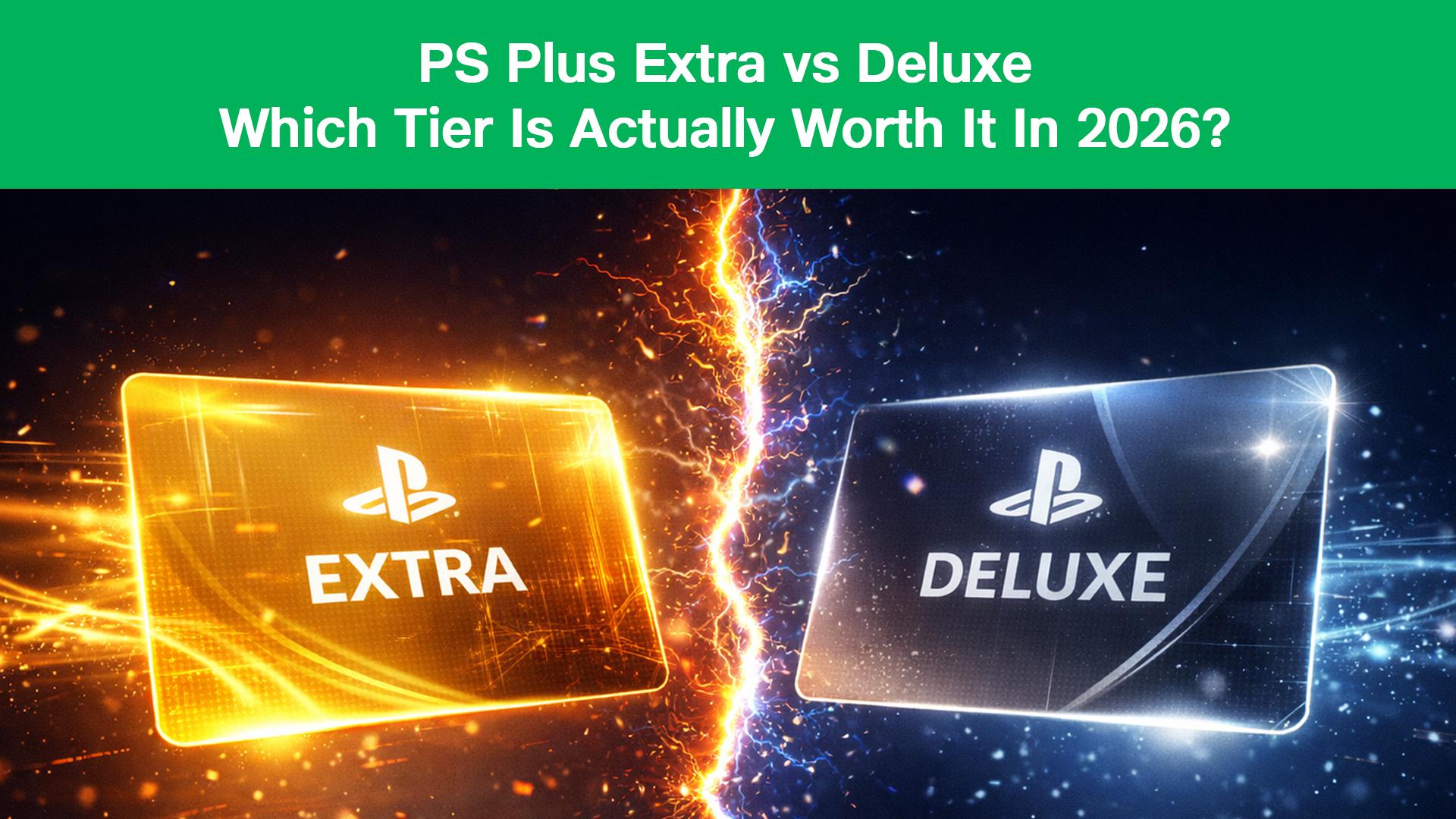
PS Plus Deluxe vs. Extra: Which Tier is Actually Worth It for Indian Gamers in 2026?
By Shreyas Kumar.January 7, 2026.
In 2026, subscribing to PlayStation Plus isn't as simple as it used to be.
Gone are the days when you just paid for "Online Multiplayer." Today, Sony asks you to choose between three distinct tiers: Essential, Extra, and Deluxe. With recent price adjustments making the service more expensive than ever, picking the wrong tier can cost you thousands of rupees a year.
For Indian gamers, the choice is even trickier. unlike the US or UK, we don't get the "Premium" tier (which includes Cloud Streaming). We get the "Deluxe" tier instead.
So, is the top-tier Deluxe plan actually worth the extra money? or is Extra the "Sweet Spot" for your wallet?
We’ve crunched the numbers, analyzed the game libraries, and found the best way for you to subscribe.
The Baseline: PS Plus Essential
- Best For: Multiplayer fans (FIFA/COD players).
- What you get: Access to online servers, 3 free monthly games, and Cloud Saves.
If you only play Call of Duty or EA Sports FC online with friends and don't care about playing other games, stick to this. But if you want access to Sony's massive library of hits, you need to upgrade.
The Contender: PS Plus Extra
- Best For: The average gamer who wants "Netflix for Games."
- The Library: This gives you access to the Game Catalog hundreds of PS4 and PS5 games. This includes massive blockbusters like Ghost of Tsushima, Horizon Forbidden West, Returnal, and Assassin's Creed.
- The Value: A single new PS5 game in 2026 costs ₹5,000+. The Extra subscription costs less than that for an entire year. If you play just two games from the catalog, the subscription has paid for itself.
Verdict: For 90% of Indian gamers, PS Plus Extra is the best value for money.
The Heavyweight: PS Plus Deluxe
- Best For: Retro enthusiasts and "Try-before-you-buy" shoppers.
- The Exclusive Perks:
- Classics Catalog: Play remastered titles from the PS1, PS2, and PSP era (like God of War 1/2, Tekken 2, Bioshock).
- Game Trials: You can download and play full versions of new AAA games (like Spider-Man 2 or Hogwarts Legacy) for 2-3 hours. If you buy the game later, your progress carries over.
Is it worth it? Honestly? Only if you are nostalgic. If you don't care about playing 15-year-old graphics, the Deluxe tier doesn't offer a massive advantage over Extra in India, especially since we still lack PS3 cloud streaming.
The "Hidden" Problem: Payment Failures
Deciding on a tier is easy. Paying for it is the hard part.
In 2026, Indian gamers face a massive hurdle: Recurring Payment Failures. Because PS Plus is a "Subscription," it requires a credit card with "Auto-Renewal" enabled. Due to RBI e-mandate regulations, many Indian debit cards and even some credit cards are auto-declined by Sony’s international payment gateway.
You might try to buy a 1-month sub to test it out, only to find your card rejected with a vague error message.
The Smart Way to Subscribe (Without a Credit Card)
You can bypass the entire "Recurring Payment" headache by using the Wallet Top-Up Method.
Instead of linking a card, you simply buy a PlayStation Gift Card from an authorized Indian retailer and use that balance to buy your subscription.
Why this saves you money:
- No Surprise Renewals: When you use a Gift Card, you are not authorizing Sony to deduct money from your bank next year. You are in total control.
- Stacking Subscriptions: Did you know buying a 12-Month Plan is nearly 40% cheaper than paying monthly? You can buy a high-value Gift Card (e.g., ₹4,000 or ₹5,000) on JioGames via UPI, load it into your wallet, and buy the annual plan instantly.
- 100% Success Rate: Since you are buying the code from store.jiogames.com using UPI/GPay, the transaction never fails.
Step-by-Step Guide
- Calculate: Check the current price of the PS Plus tier you want (e.g., ₹749 for 1 month Extra).
- Buy: Go to store.jiogames.com and purchase a PlayStation Wallet Code for that amount.
- Redeem: Enter the code on your PS5 (Settings > Users and Accounts > Payment > Redeem Codes).
- Subscribe: Open the PS Plus tab on your console and select "Buy Subscription." It will use your new wallet balance automatically.
Final Verdict
- Buy PS Plus Extra if you want to play hundreds of amazing PS4/PS5 games for the price of one.
- Buy PS Plus Deluxe only if you truly love retro PS1/PS2 games.
Whichever you choose, don't let payment errors stop you. Grab an instant wallet top-up code at store.jiogames.com and start gaming in minutes.